Building
Under Canopies: pick up a starting-camp or watchtower chest
Empty the world chest before trying to pick it up. Official 0.6.22 makes empty world chests movable, specifically including the starting camp and watchtowers.
After removing its contents, return to the chest’s world interaction and use the pickup action shown by your game. The official source does not specify a pickup key, so this guide does not assign one.
On this page
Before you start
- Be using the 0.6.22-or-later world-chest feature.
- Remove every stored item before pickup; allow room to carry what you remove and the chest.
Remove the stored contents first
Open the chest’s storage and move its contents out. Check for remaining stacks before closing the storage view. Taking only the items you want leaves the chest nonempty and does not meet the documented pickup condition.
Keep materials you need for crafting accessible. If you move them into another container, the nearby-storage question is separate from the chest’s ability to be picked up.
- Check nearby-storage crafting — The community answer supports nearby storage, without a verified global-storage radius.
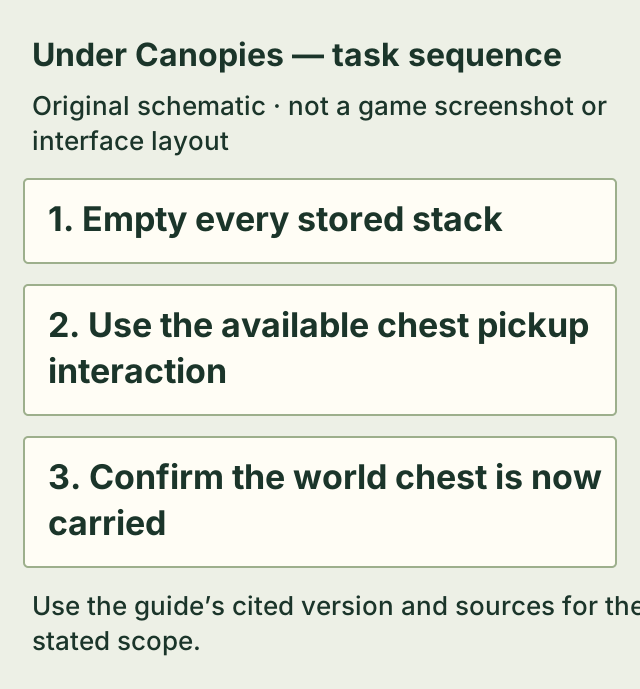
Use the world pickup interaction and check the result
Return to the emptied chest and use its available pickup interaction. Check that the chest is now carried and no longer standing at its previous spot. That is the outcome to verify; an empty storage panel alone only completes the prerequisite.
The official note names world chests and gives starting-camp and watchtower examples. It does not establish that every decorative chest-like object is a movable storage chest, or that nonempty storage can be relocated.
If it does not work
- The chest still contains a leftover stack
- Remove it and check the storage again before attempting pickup.
- You are following older advice that world chests cannot move
- Check your installed version. The official 0.6.22 note introduces pickup once a world chest is empty.
- An empty chest still has no available pickup action
- Check the object type and current version. The patch note does not supply a reset command or prove every later interaction failure is fixed.
How to know you are done
- The emptied world chest is carried rather than remaining at its former world position.
Sources & version
Applies to Steam PC Early Access: world-chest pickup documented in official update 0.6.22, including the starting camp and watchtowers; documented feature; latest official patch 0.6.25 checked November 2, without a local gameplay replay. on Steam PC (Windows). Sources observed 2026-11-02. Updated 2026-11-02.
- Official update 0.6.22 — world-chest pickup — Official 0.6.22; observed 2026-11-02. Explicitly allows empty world chests to be picked up, including watchtowers and the starting camp. The source does not document a key or a recipe.