Controls
Put your held item away in Under Canopies
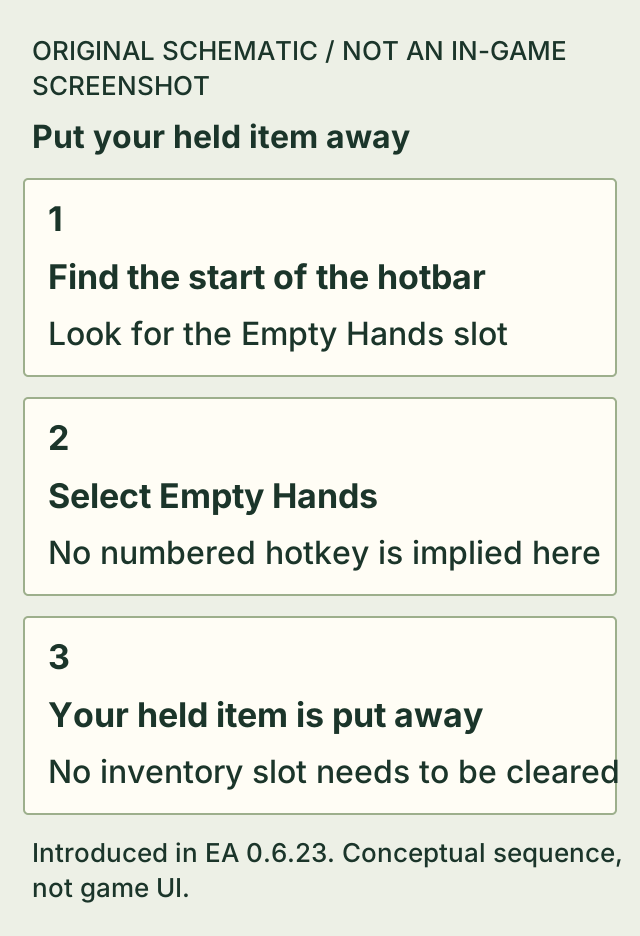
Select the Empty Hands slot at the start of the hotbar. It puts the item you are holding away without using up an inventory slot.
The patch notes do not specify a numbered hotkey or universal controller button for this slot.
On this page
Before you start
- An EA version with the Empty Hands slot introduced in 0.6.23.
- Access to the hotbar while you are holding an item.
Select the Empty Hands slot
- Look at the start of your hotbar.
- Select Empty Hands using your current hotbar control.
- Check that the previously held item is no longer in your hands.
A clearer view for screenshots
Putting a held item away is separate from hiding the HUD. The P shortcut added in 0.6.24 hides the HUD when you want a clean gameplay screenshot.
- Hide and restore the HUD with P — The HUD shortcut changes on-screen information; Empty Hands changes what you hold.
If it does not work
- You are looking for an empty inventory cell.
- Use the dedicated Empty Hands slot at the start of the hotbar instead.
- The slot is absent.
- Check the installed version: this specific feature was added in EA 0.6.23. This page does not establish an equivalent shortcut for older versions.
How to know you are done
- Your held item is put away, and you did not have to clear an inventory slot to do it.
Sources & version
Applies to Introduced in EA 0.6.23; latest official patch checked: 0.6.25. The cited older source is not a v0.6.25 gameplay replay. on Steam PC (Windows). Sources observed 2026-11-02. Updated 2026-11-02.
- Official update 0.6.23: Easier Crafting, Smarter Pickups & Refuelable Torches — 0.6.23; observed 2026-11-02T14:45:00.189Z. Published patch notes, not a hands-on replay of Steam public build 26335062.
- Official update 0.6.24: Better Building, Animal Rewards & Inventory Fixes — 0.6.24; observed 2026-11-02T14:44:45.324Z. Published patch notes, not a hands-on replay of Steam public build 26335062.