Building
Find your camping tent on the Under Canopies map
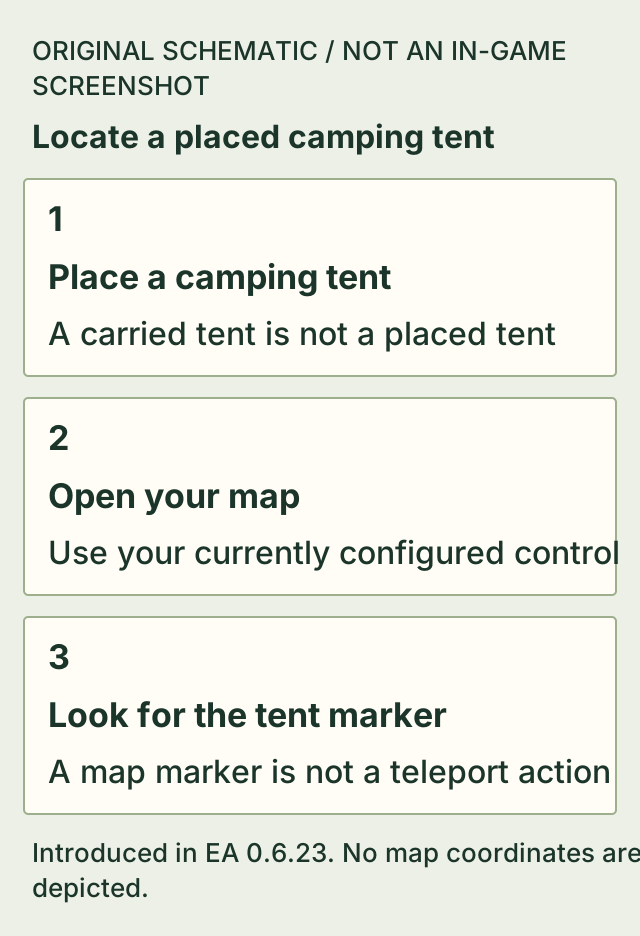
Placed camping tents appear on the map in the change introduced by 0.6.23. Open your map and look for the location of the tent you placed.
The update specifically names placed camping tents. It describes a marker, without establishing a fast-travel action or markers for every bed and home object.
On this page
Before you start
- A camping tent that you have actually placed in the world.
- An EA version including the tent-map change from 0.6.23.
Use the tent marker
- Place your camping tent before leaving it.
- When you need to locate it, open the map with your configured map control.
- Find the placed tent's marker and use its location to orient your return.
Keep the marker's scope in mind
The official change specifically names placed camping tents. A tent item in your inventory is not a placed campsite. This page does not identify a default map hotkey, a shortest return route or a fast-travel system.
If it does not work
- No tent marker is visible.
- Check that you placed a camping tent rather than merely carrying one, and that the installed version includes the 0.6.23 map change.
- You are trying to jump straight to the tent.
- The cited feature adds a map location. It does not document teleporting to the tent.
How to know you are done
- You can locate the position of your placed camping tent on the map.
Sources & version
Applies to Introduced in EA 0.6.23; latest official patch checked: 0.6.25. The cited older source is not a v0.6.25 gameplay replay. on Steam PC (Windows). Sources observed 2026-11-02. Updated 2026-11-02.
- Official update 0.6.23: Easier Crafting, Smarter Pickups & Refuelable Torches — 0.6.23; observed 2026-11-02T14:45:00.189Z. Published patch notes, not a hands-on replay of Steam public build 26335062.