Crafting
Craft a Workbench in Under Canopies
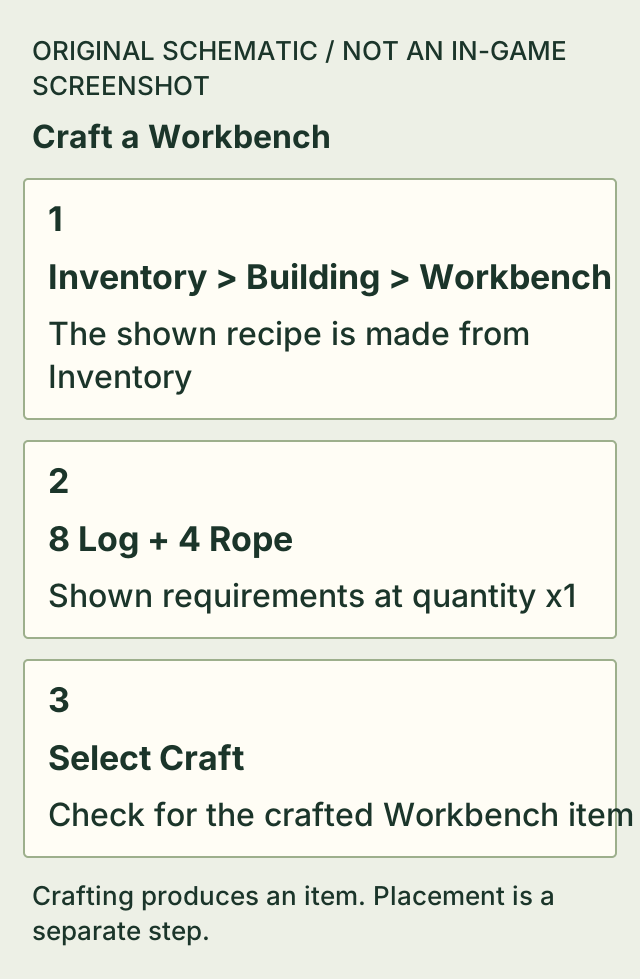
Open Inventory, choose Building, then select Workbench. At quantity x1, the shown recipe uses 8 Log and 4 Rope to make one Workbench. Select Craft.
Check for the crafted item before trying to craft again. In the source it appears in the hotbar and the Craft Workbench tutorial objective is checked; Place Workbench remains unfinished.
On this page
Before you start
- The Workbench recipe is visible in Inventory > Building.
- 8 Log and 4 Rope available for one Workbench.
Workbench materials
The recipe card shows available/required counts. In the source, Log 13/8 means 13 available and 8 required; Rope 4/4 meets the four-Rope cost.
| Input | Required for x1 |
|---|---|
| Log | 8 |
| Rope | 4 |
Make the Workbench item
- Open Inventory. The shown PC layout labels Tab as Inventory.
- Choose the Building category and select Workbench.
- Set quantity to x1 for one Workbench, check 8 Log and 4 Rope, then select Craft.
- Look for the resulting Workbench item. If the tutorial is active, Craft Workbench is checked off before the separate Place Workbench step.
Crafted does not mean placed
The final frame still has Place Workbench unchecked. This page completes making the item; it does not infer an equip or placement key from an item appearing in the hotbar.
- Craft the Rope required by this recipe — Use the verified Inventory Rope recipe if you are short of the four Rope.
- Continue to the Wood Cutter and planks task — Follow the complete Wood Cutter task after your Workbench is available to use.
If it does not work
- The recipe turns red immediately after crafting.
- Check for the new Workbench item. In the source, the first craft consumes the materials, leaving 5/8 Log and 0/4 Rope for another Workbench; that red state does not undo the one just made.
- Rope is short.
- Make Rope using Inventory > Materials > Rope, then return to the Workbench recipe.
- You cannot find Workbench.
- Check Inventory > Building, the menu shown by this source. No additional unlock or reset procedure is established if the entry is still absent.
- The tutorial still says Place Workbench.
- Making the item and placing the station are separate objectives. A hotbar item alone is not evidence that the station is on the ground.
How to know you are done
- A Workbench item has been produced. In the observed tutorial sequence, Craft Workbench is checked and the item is visible in the hotbar.
Sources & version
Applies to Creator footage visibly v0.6.24; Steam public build 26335062 has no confirmed named patch label. on Steam PC (Windows), keyboard layout shown in the source. Sources observed 2026-11-02. Updated 2026-11-02.
QuietGameCorner: Workbench menu, recipe and crafted-item feedback, 21:55-22:00
Inventory > Building, 8 Log + 4 Rope at x1; material deduction and item in hotbar; Craft Workbench checked while Place Workbench remains pending. Selected saved frames were actually viewed offline. This is creator footage, not this site's hands-on game test.
Cover: a representative official press scene, not a frame from this video or a map of the blueprint location.