Building
Under Canopies: Repair appears but the requirements do not
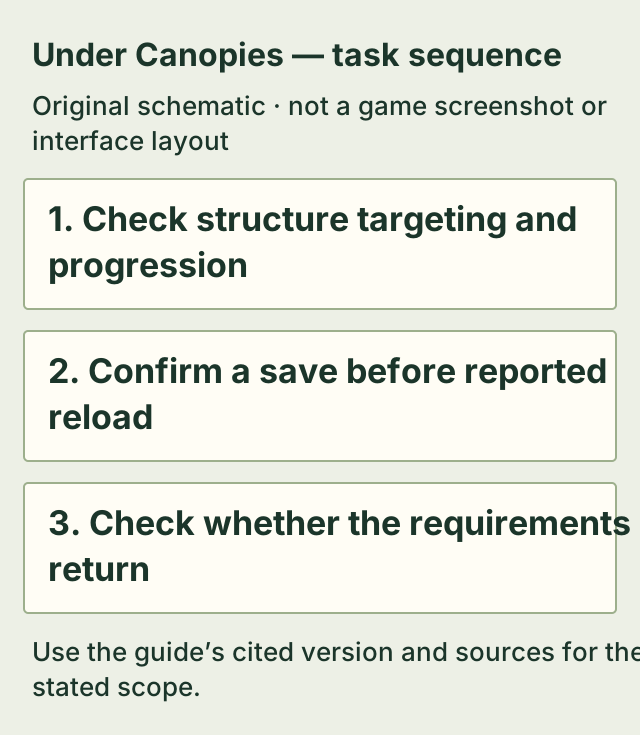
First target the structure itself and check its progression requirement. A player suggests aiming at the structure rather than only its Repair icon; this suggestion was not confirmed by the original poster.
For the original poster, returning to the main menu and loading the save restored the requirements list. Save and wait for a successful confirmation before trying that workaround. It is a reported workaround, not a guaranteed repair or a reason to delete a save.
On this page
Before you start
- A repairable structure shows a Repair option but its required-material panel is absent.
- Keep missing requirements separate from an inaccessible structure, unmet progression condition or visible red material count.
Check the target and progression gate
Move your aim onto the actual structure and check again. The October 31 reply suggests this because targeting only the Repair icon had caused problems for some players. Treat it as a low-cost suggestion with no confirmed success in that thread.
For broken stairs in the rocky area, official 0.6.24 specifically improves targeting but says progression requirements still apply. That fix does not publish the materials or remove a progression gate. Do not apply the farm door recipe to a bridge or rocky stairs.
Read the actual restored requirements
When the list returns, use the amounts and progression condition for that particular structure. If the list still does not appear, preserve the location, installed version and symptom for reporting. This page cannot supply unknown materials for the missing panel.
- Repair the Old Farm door — A separately verified target: 10 Sticks and 10 Fiber Plant, with E Open after repair.
If it does not work
- Material counts are visible but red
- The list is working. Meet the displayed resource requirement rather than reload for a missing-panel problem.
- Rocky stairs still have a progression condition
- That condition still applies in the official 0.6.24 targeting fix. It is not evidence that the panel workaround failed.
- The panel is still absent after the reported workaround
- Stop treating reload as guaranteed. Record the exact target and version; no further recovery procedure is verified by this source.
How to know you are done
- The affected structure displays its required materials and any progression condition again. This restores information; it does not itself repair the structure.
Sources & version
Applies to Steam PC Early Access report dated October 31, 2026, exact build unstated; official 0.6.24 describes improved rocky-stair targeting with progression requirements retained. on Steam PC (Windows). Sources observed 2026-11-02. Updated 2026-11-02.
- Steam — Missing Repair Menu, original and reply — EA, October 31, 2026; exact build unstated; observed 2026-11-02. The original poster explicitly says main-menu/load restores the panel for them. Targeting advice is an unconfirmed reply and is labelled accordingly.
- Official update 0.6.24 — rocky-area repair targeting — Official 0.6.24; observed 2026-11-02. Improved rocky-stair targeting; progression requirements remain. Does not establish a universal repair-panel fix.